


Description
Download Audio Recorder and Editor APK – Audio Recorder, Audio Editor, Mobile Recording, Free Audio Tool
Overview
Audio Recorder and Editor is a free mobile application designed for Android devices, developed by rierie501. The software serves as a dual-purpose tool combining audio recording and editing capabilities within a single interface. It enables users to capture audio using their device’s built-in microphone and perform post-recording modifications to enhance output quality. The app is intended for individuals seeking more advanced functionality than what standard device-recorded audio tools offer, such as those found in default smartphone audio utilities.
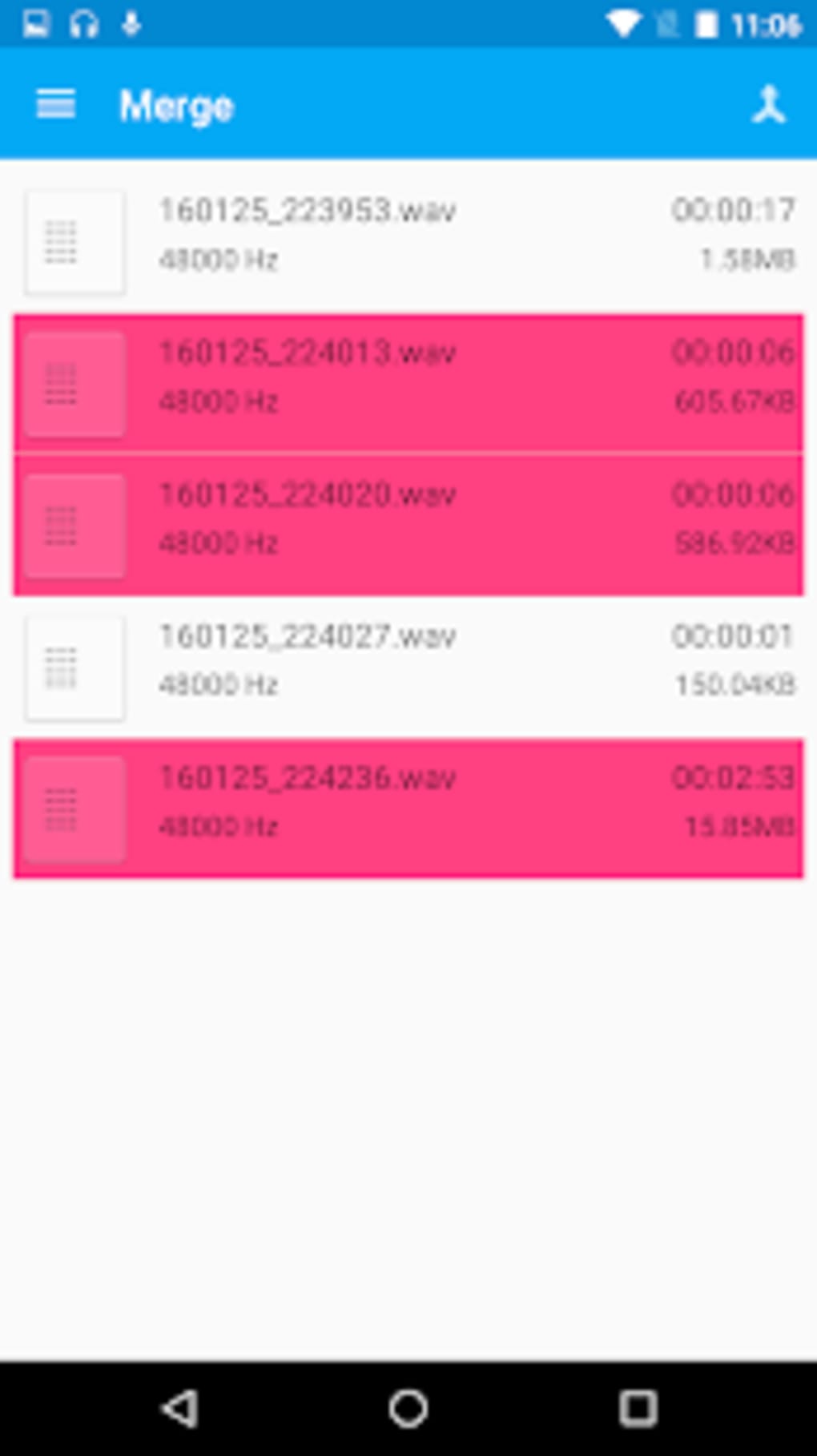
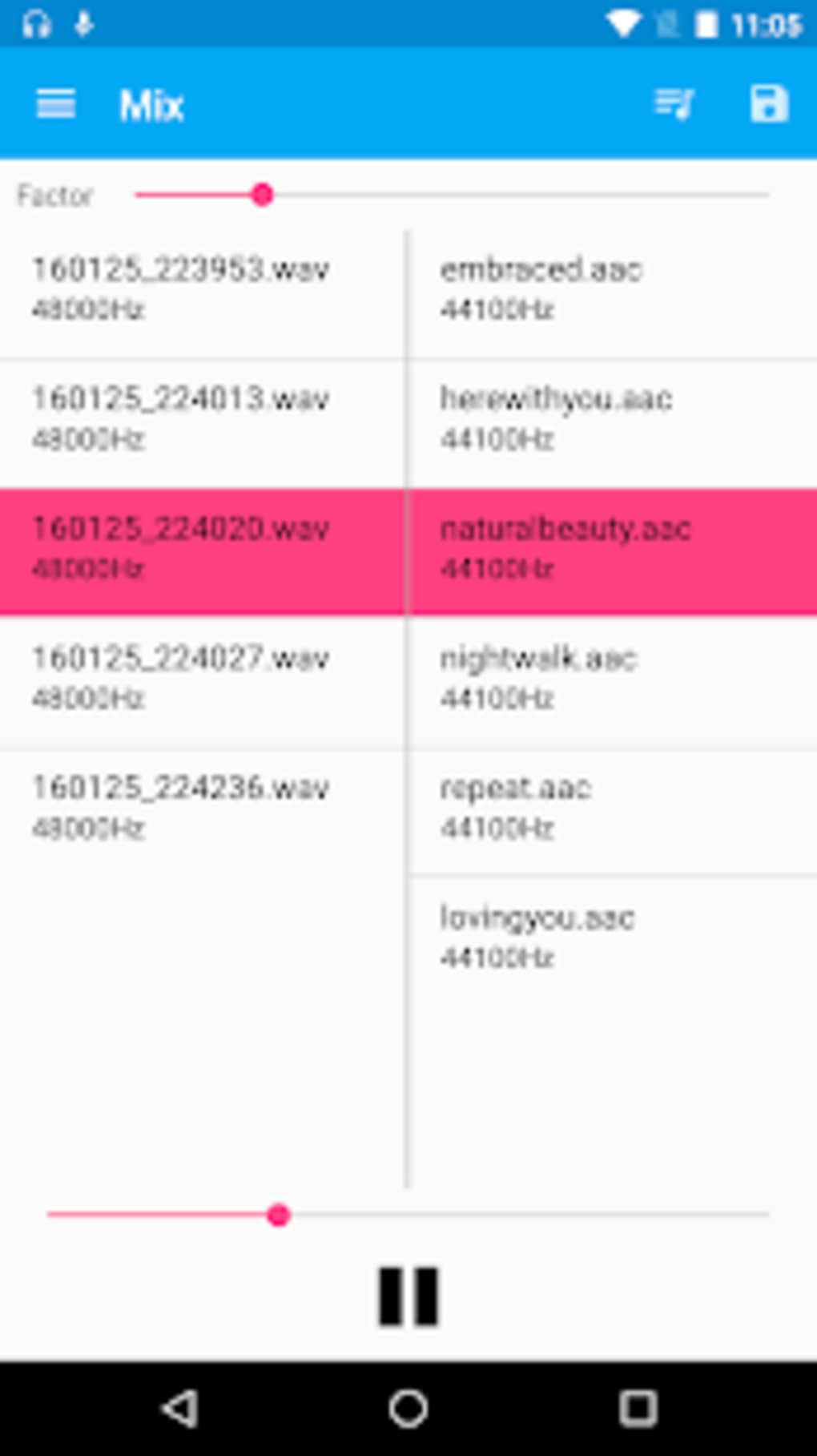
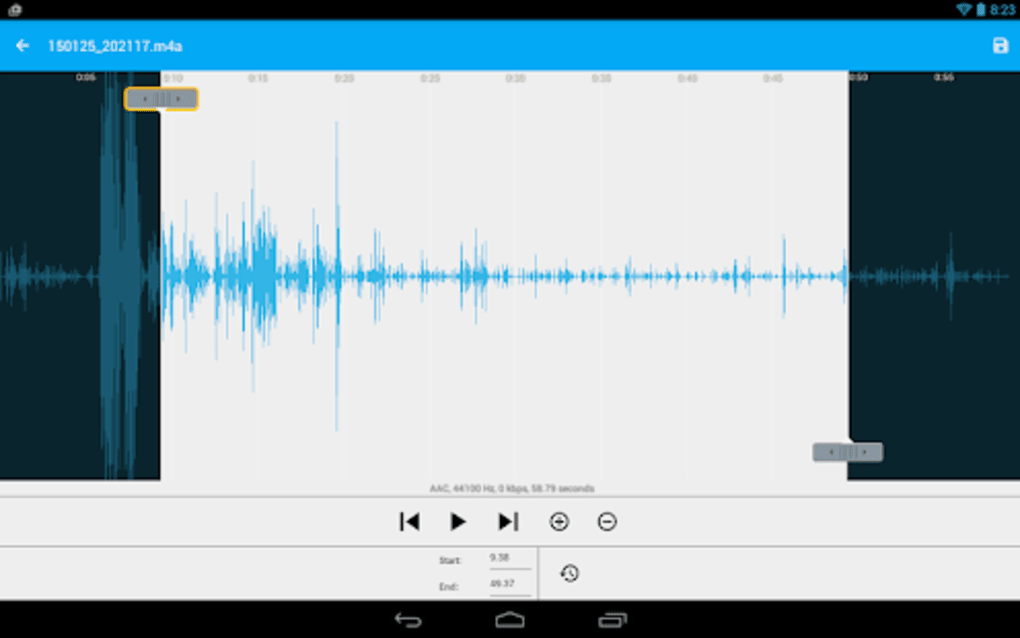
Target users include students, content creators, podcasters, and casual users who require simple yet effective audio capture and editing. The app supports multiple audio formats including WAV, PCM, AAC, and M4A, allowing flexibility in file management and compatibility with other platforms. Real-world usage scenarios include recording lectures, voice memos, interviews, or short audio clips for social media. The ability to trim, adjust volume, merge files, and apply effects like reverb makes it suitable for basic audio production tasks on mobile.
While the developer’s background is limited to the name rierie501, the app demonstrates a focused approach to usability and functionality. Its clean interface and straightforward workflow suggest an emphasis on accessibility without sacrificing core features.
Key Features & Capabilities
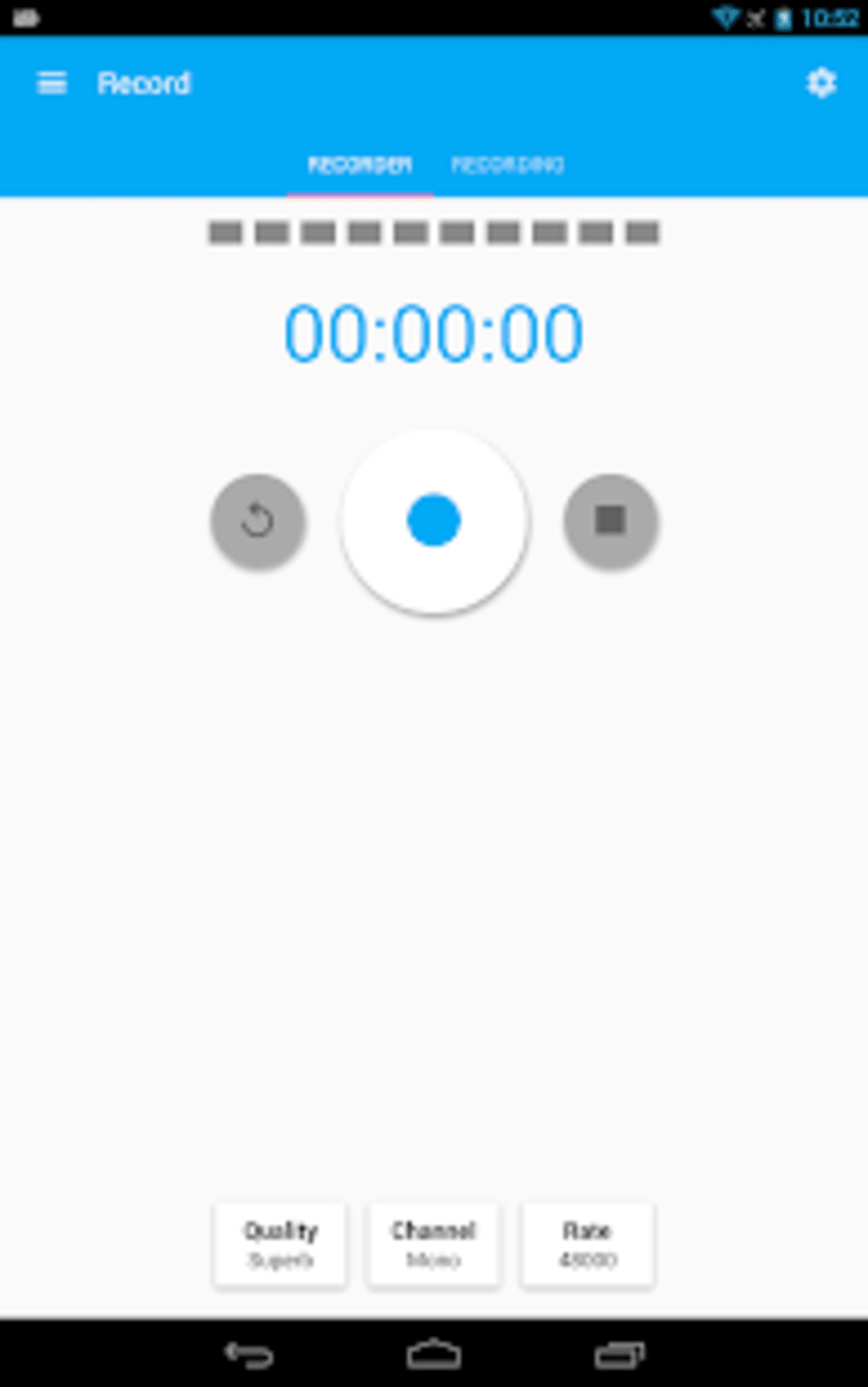
- Multi-Format Recording – Supports recording in WAV, PCM, AAC, and M4A formats, providing users with options based on file size, quality, and compatibility needs.
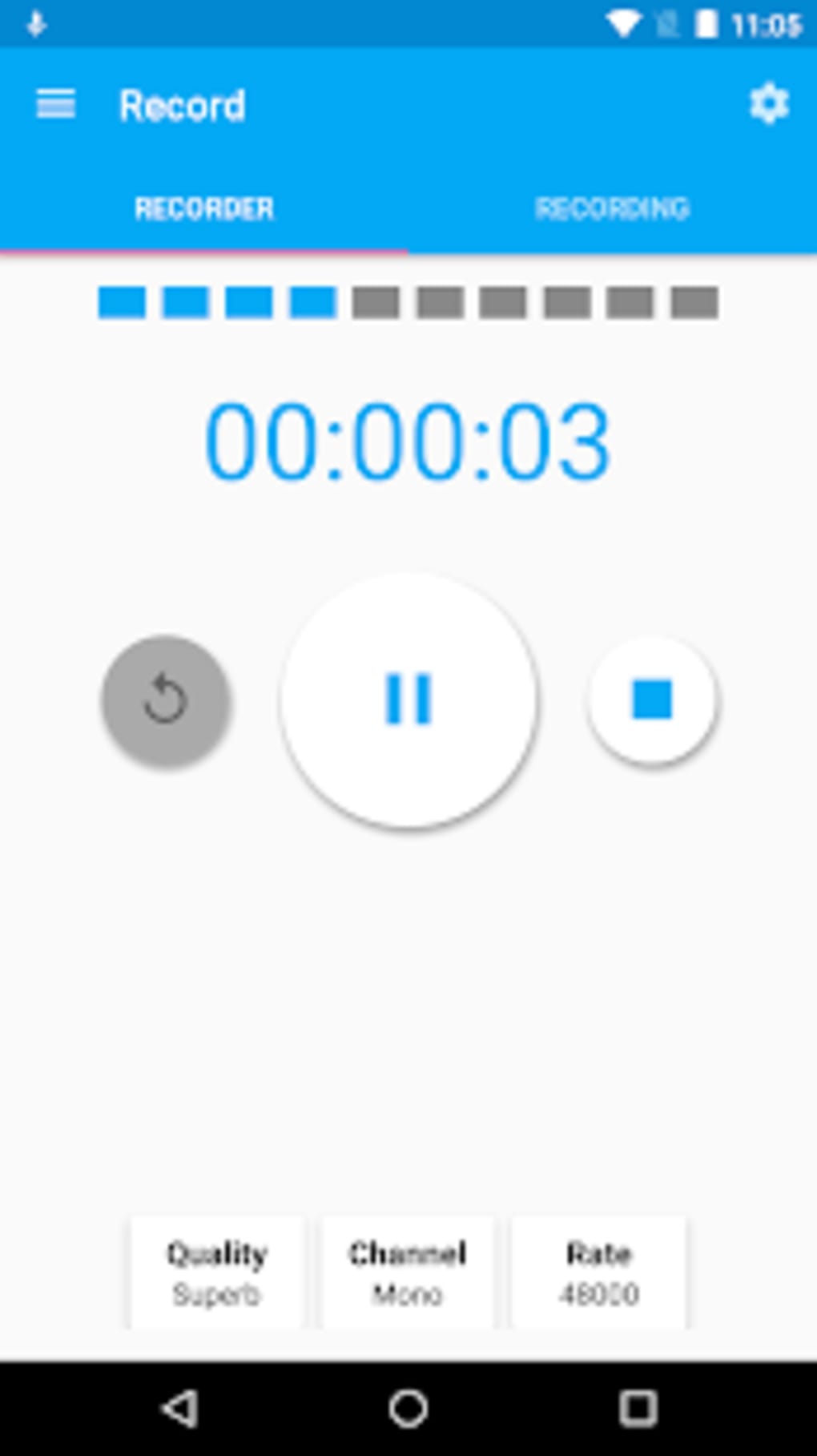
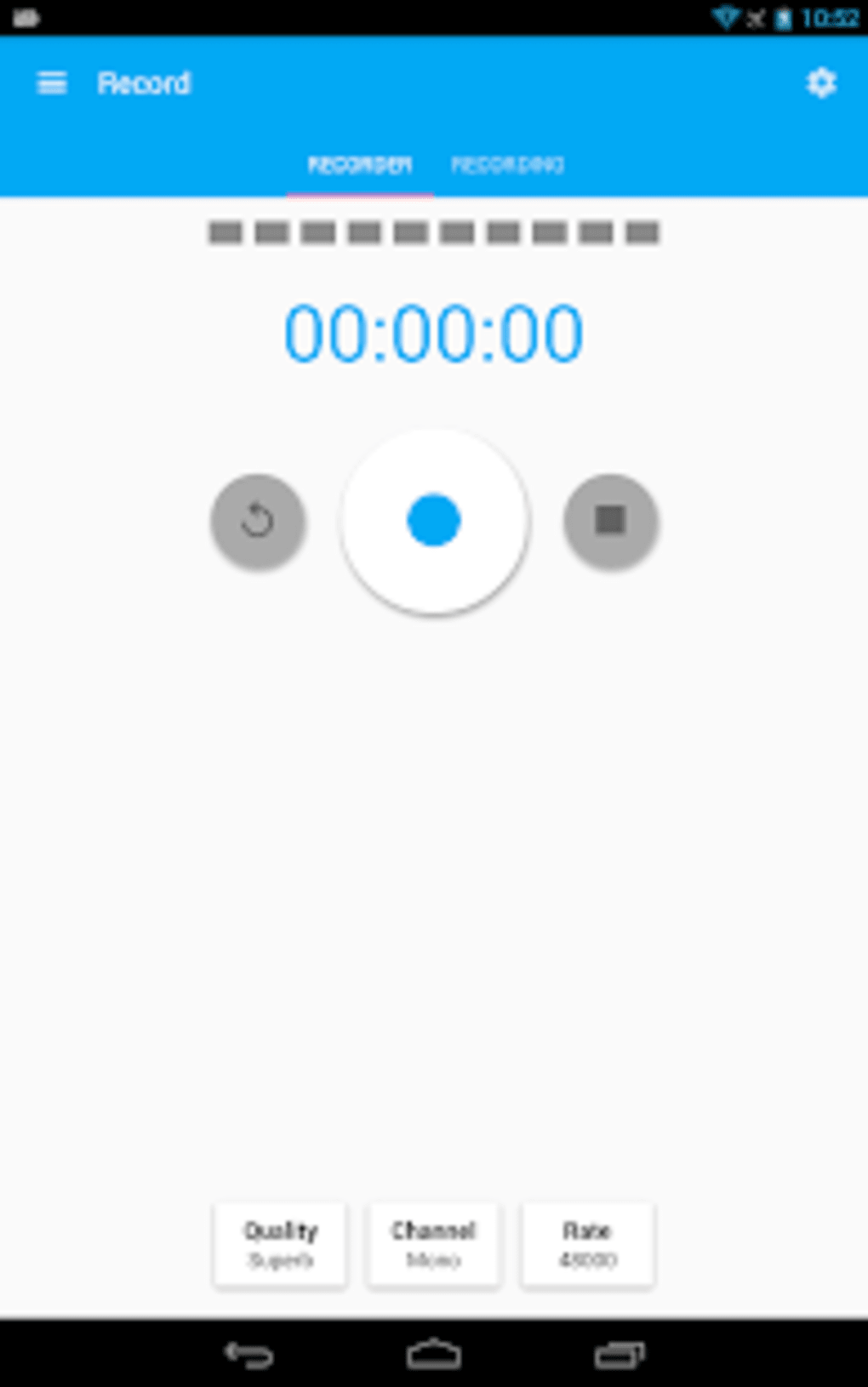
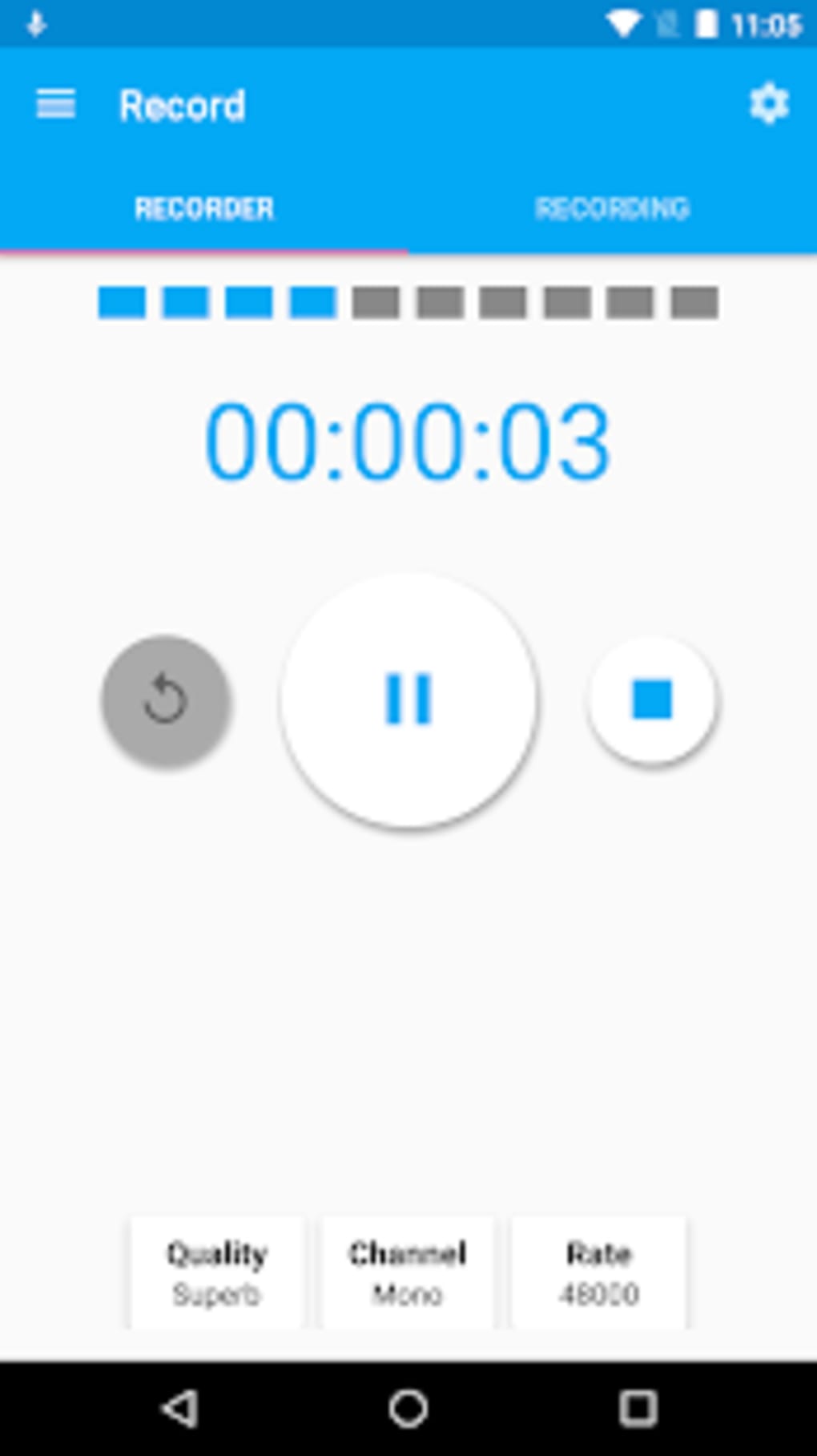
- Play/Pause Recording Control – Allows users to pause and resume recording sessions, ideal for capturing intermittent audio or making corrections mid-recording.
- Volume Adjustment – Offers the ability to boost or reduce recorded audio volume, helping balance levels during or after recording.
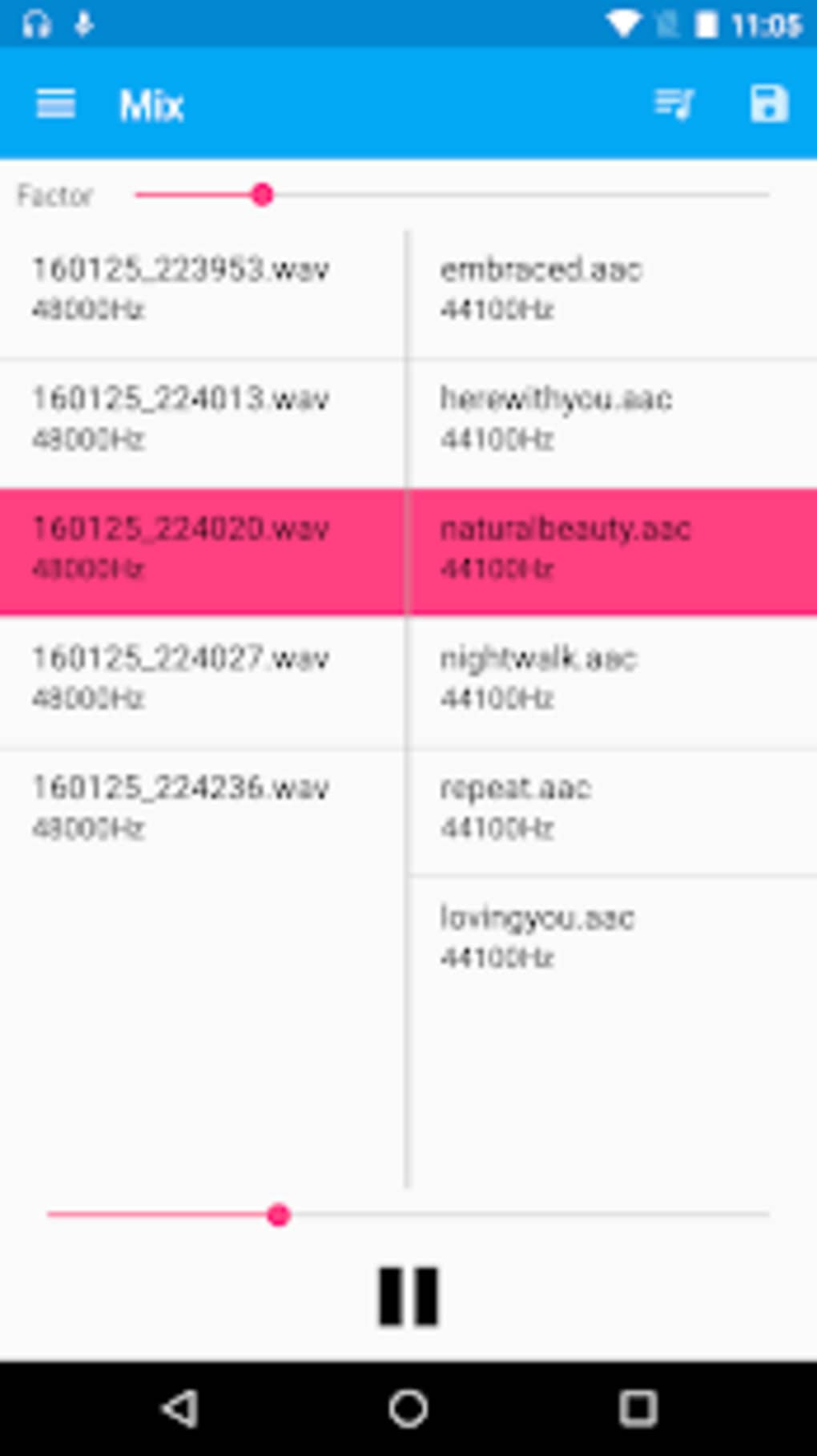
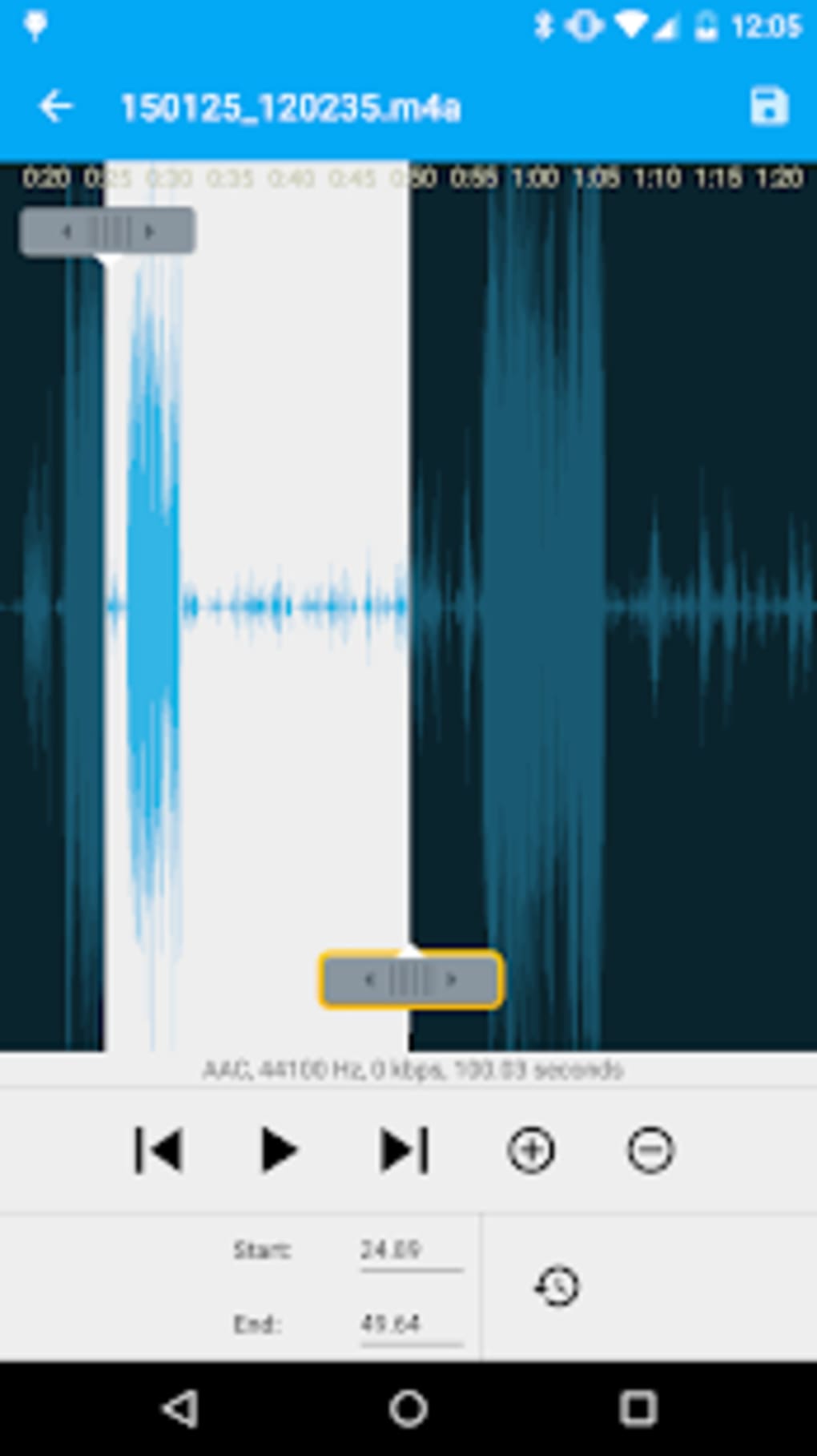
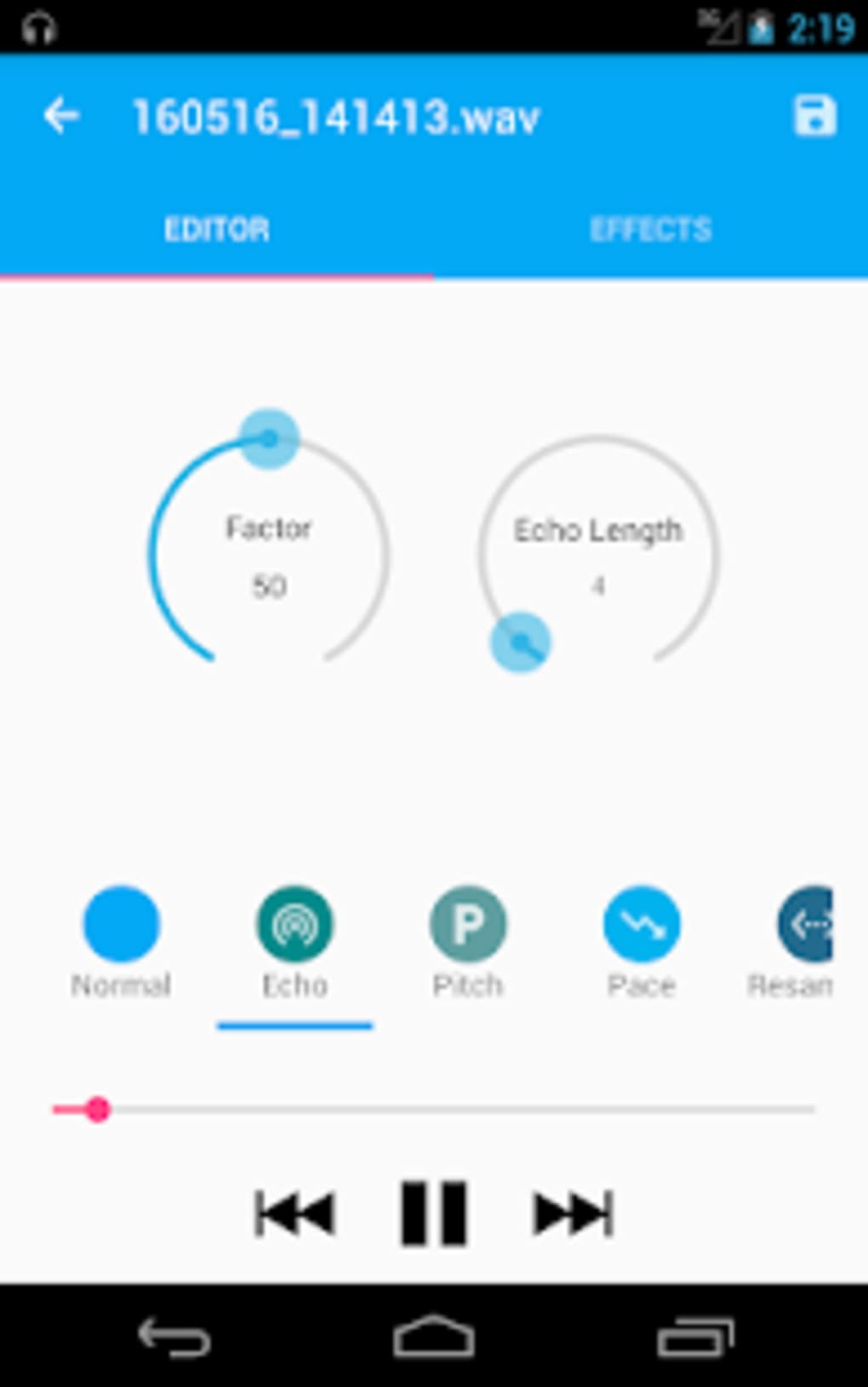
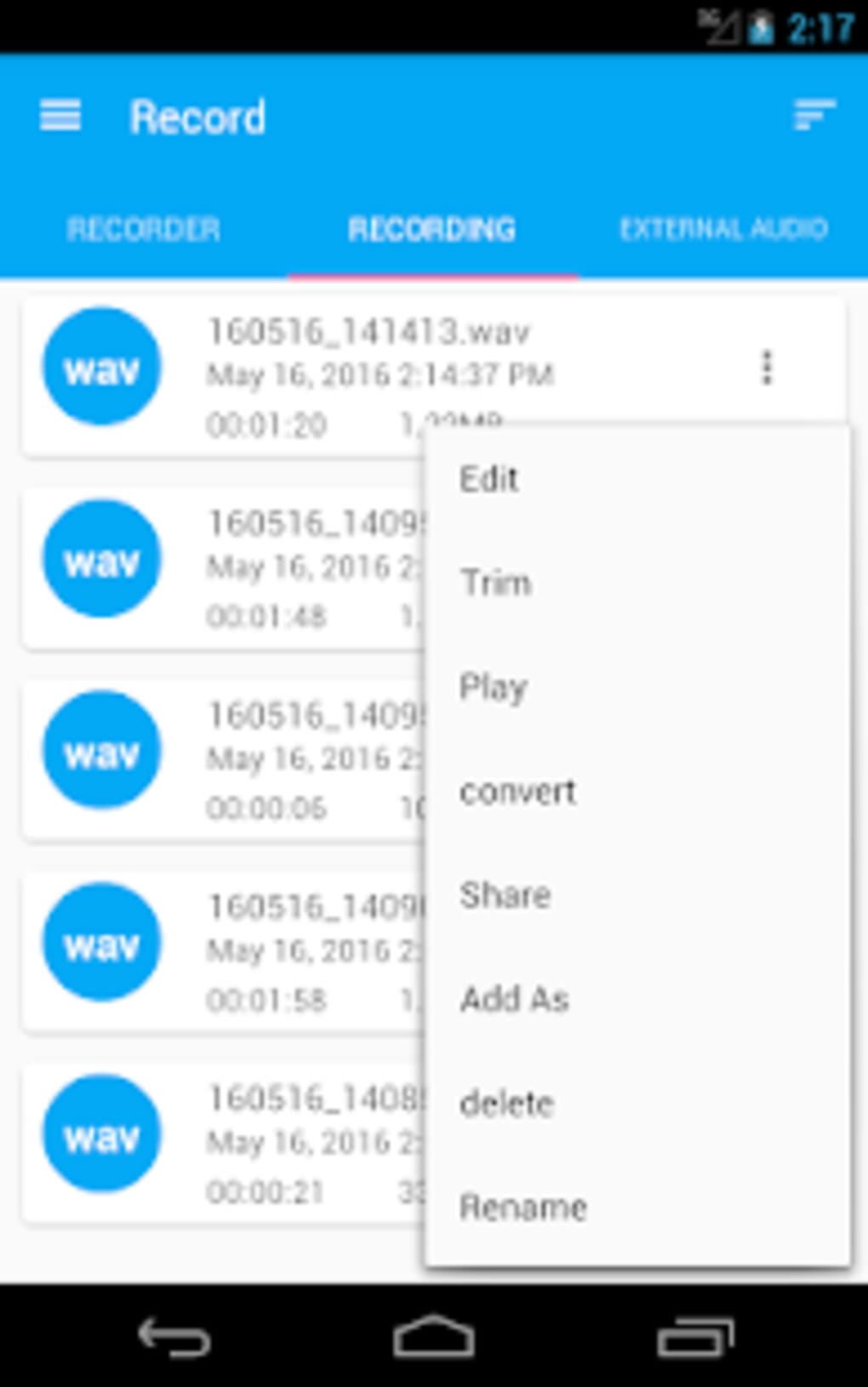
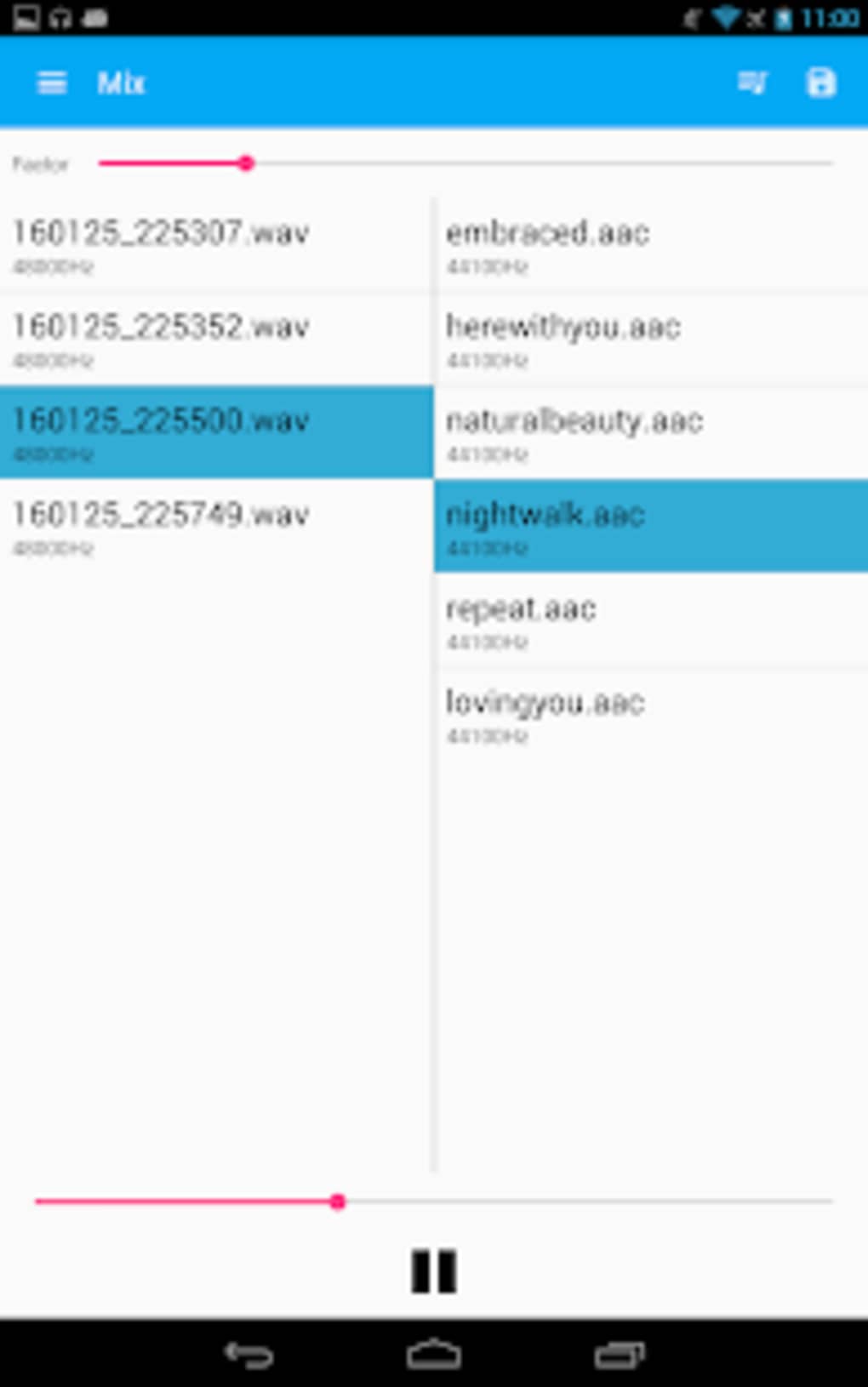
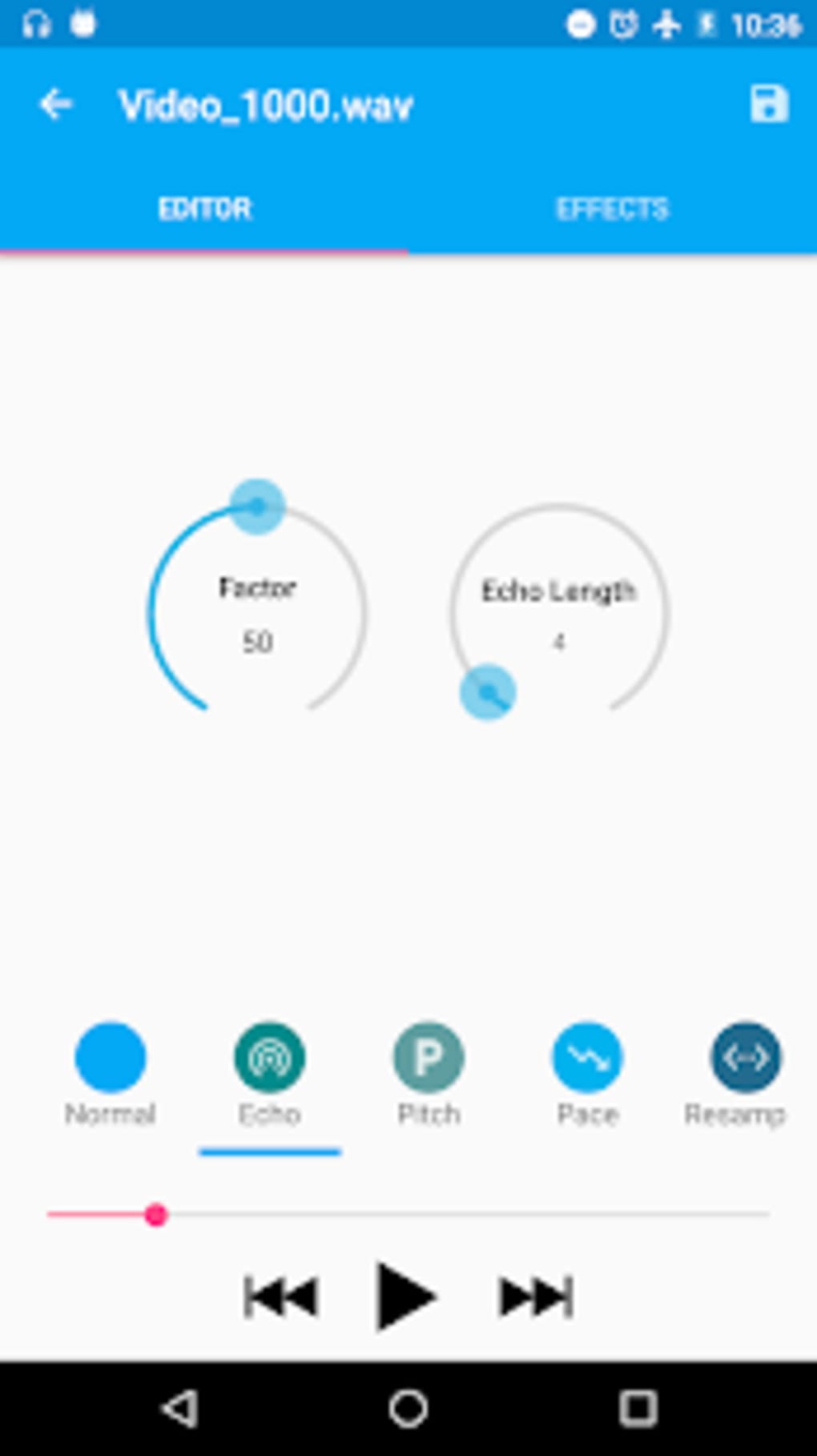
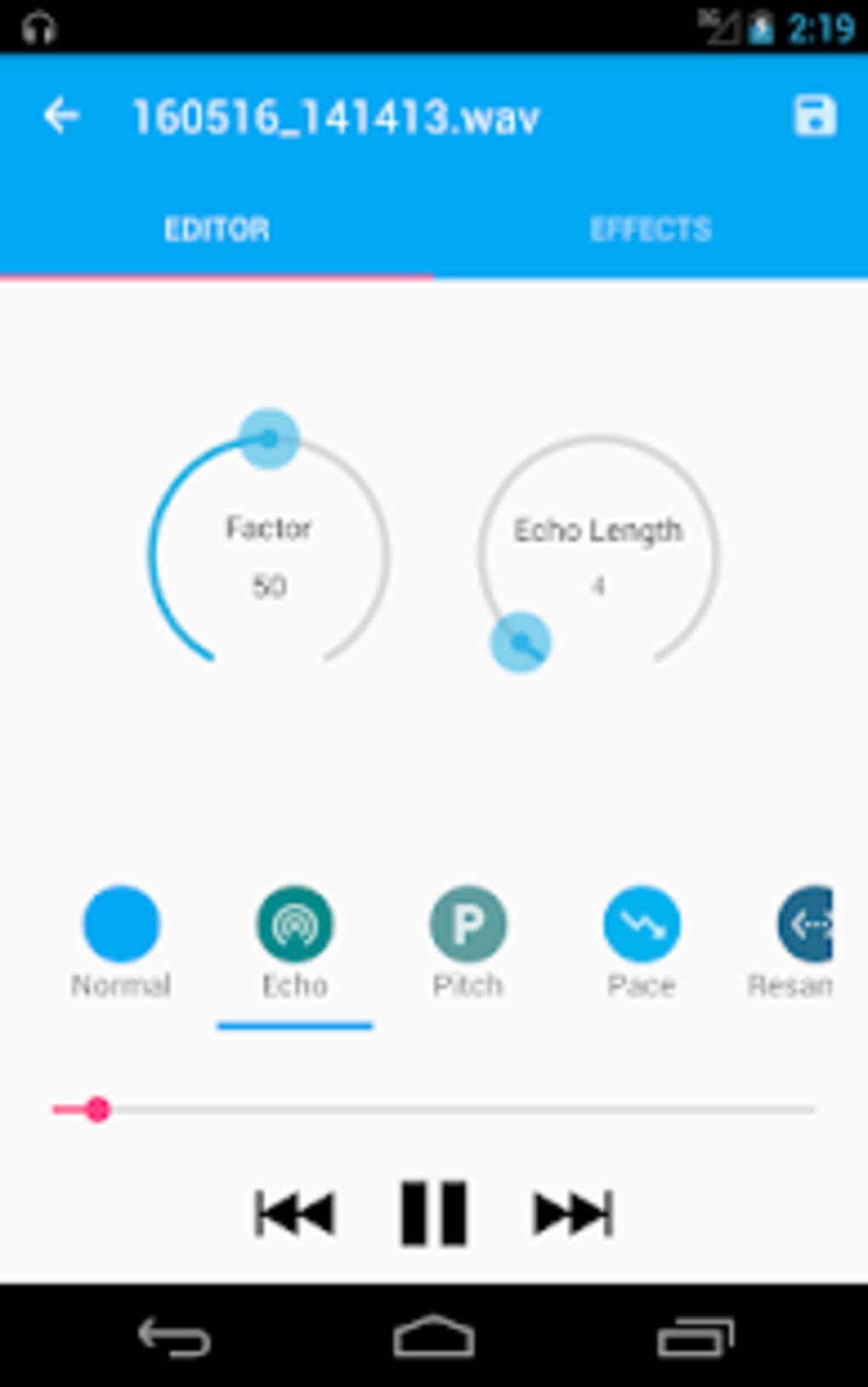
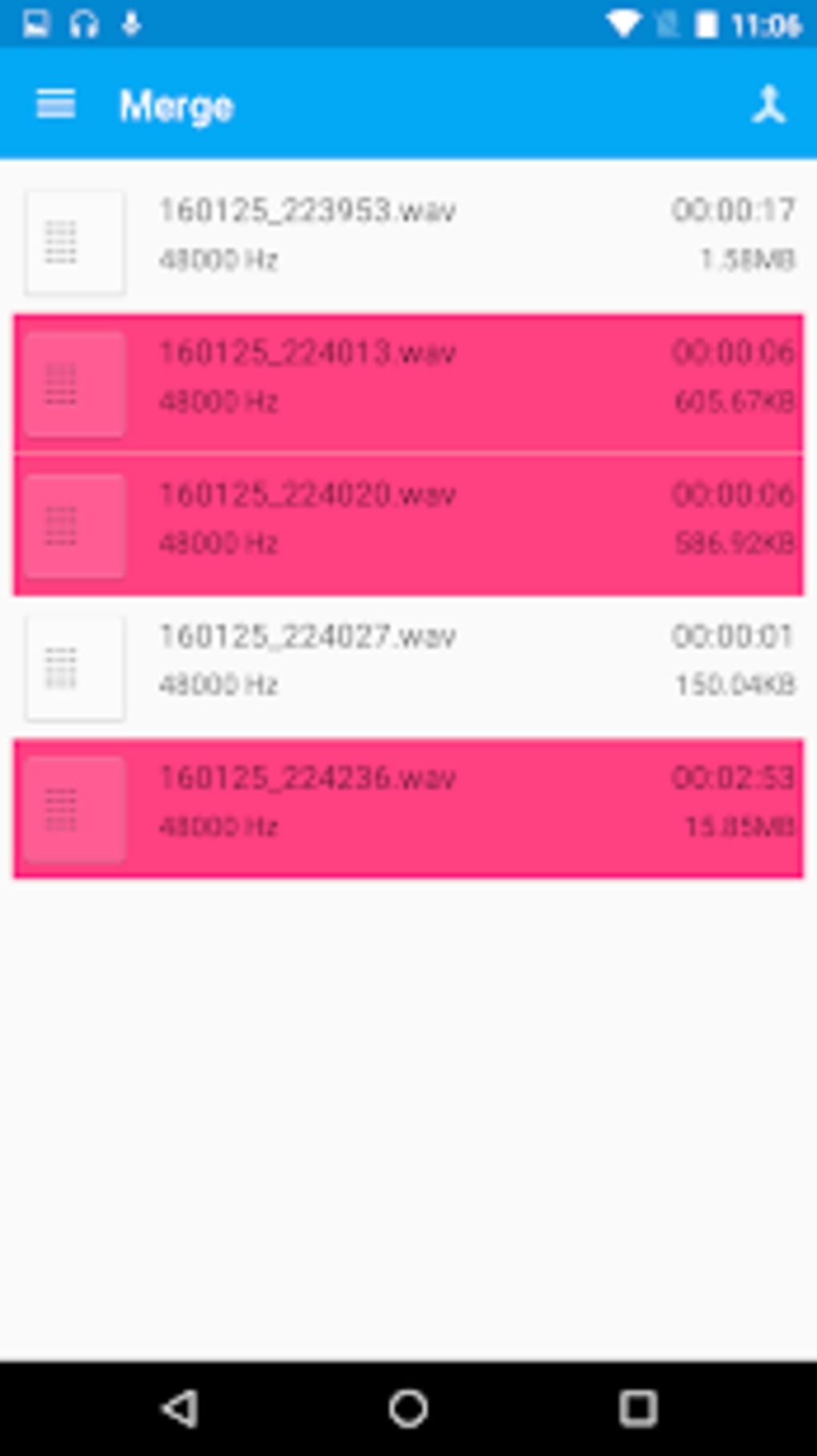
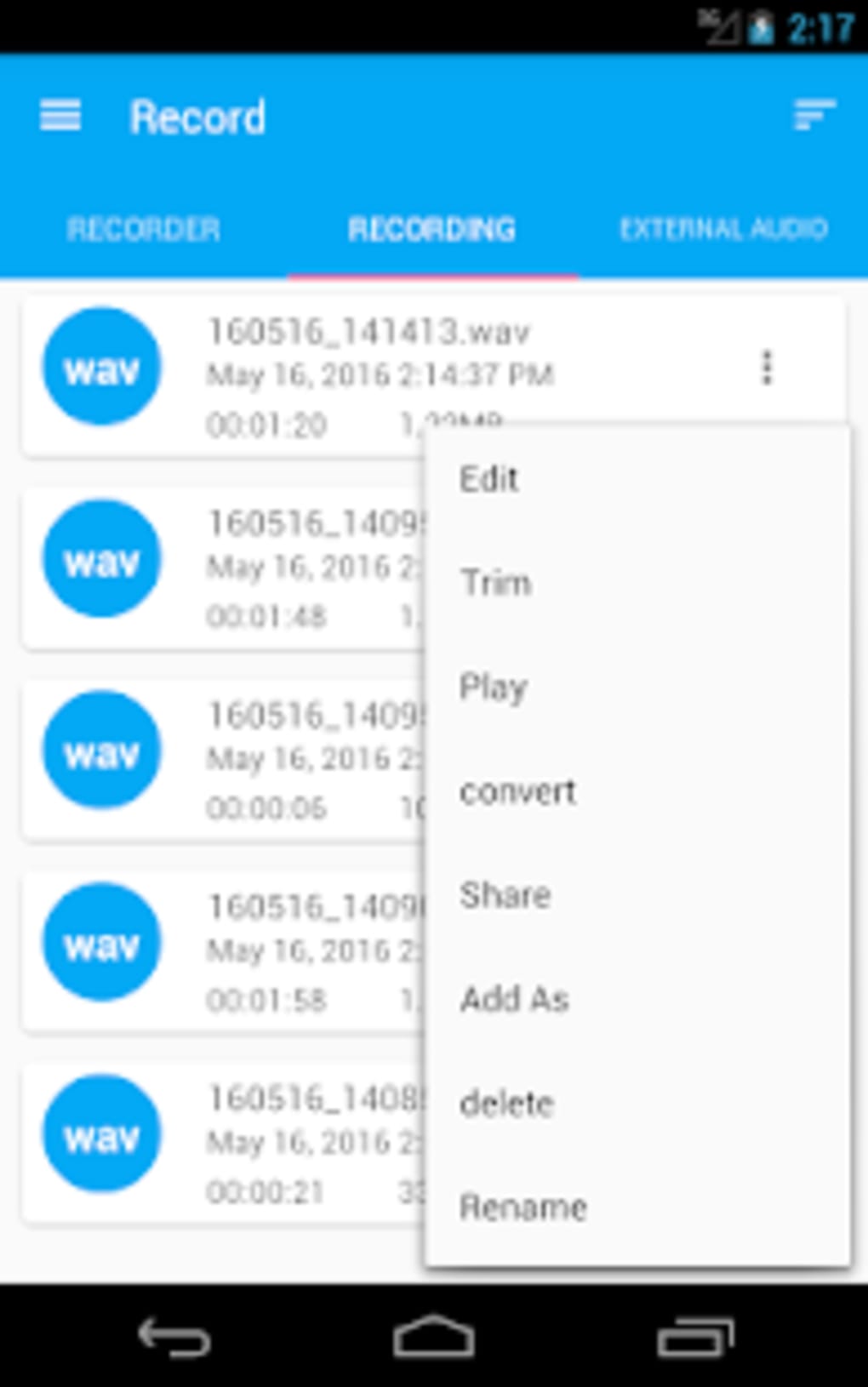
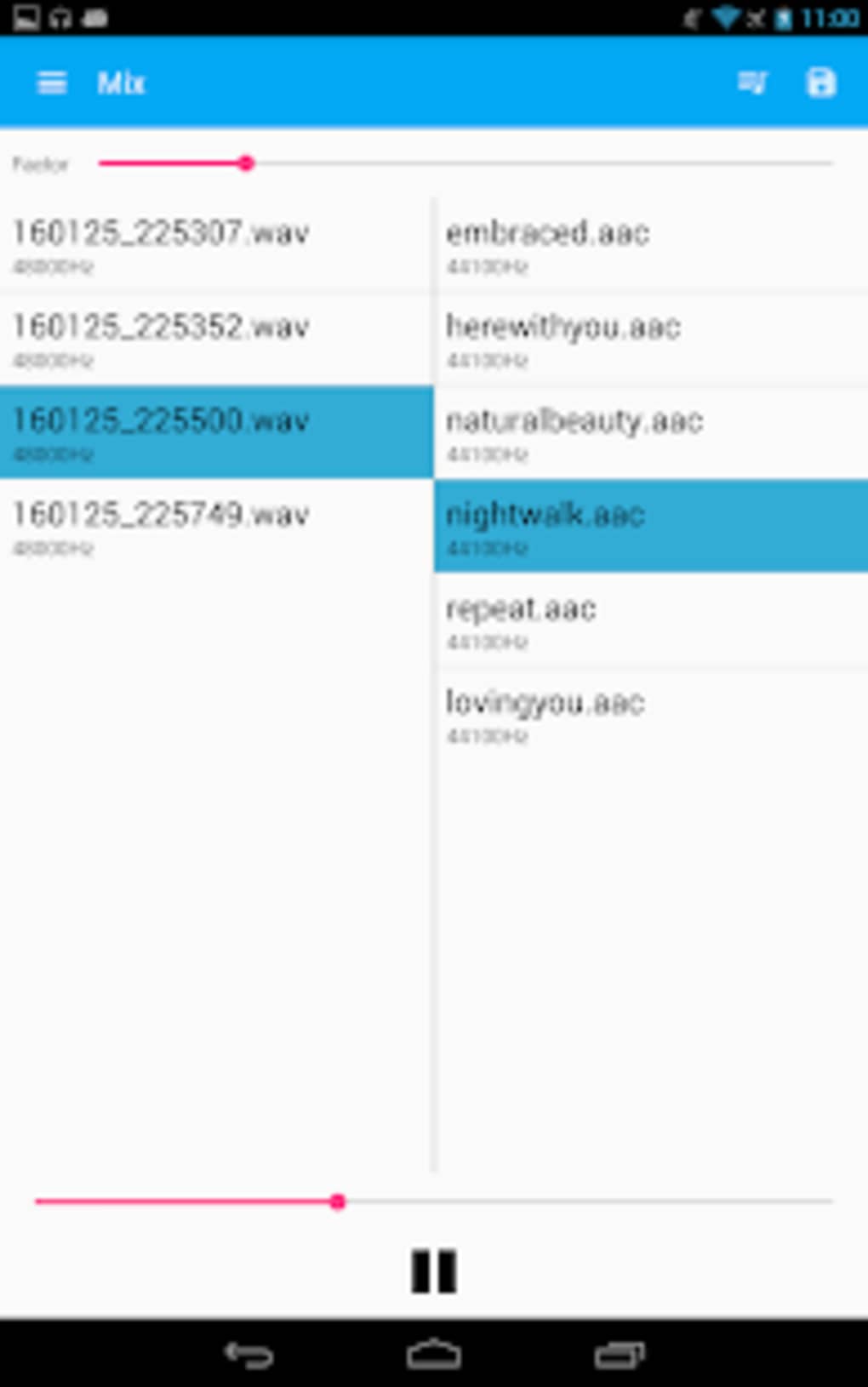
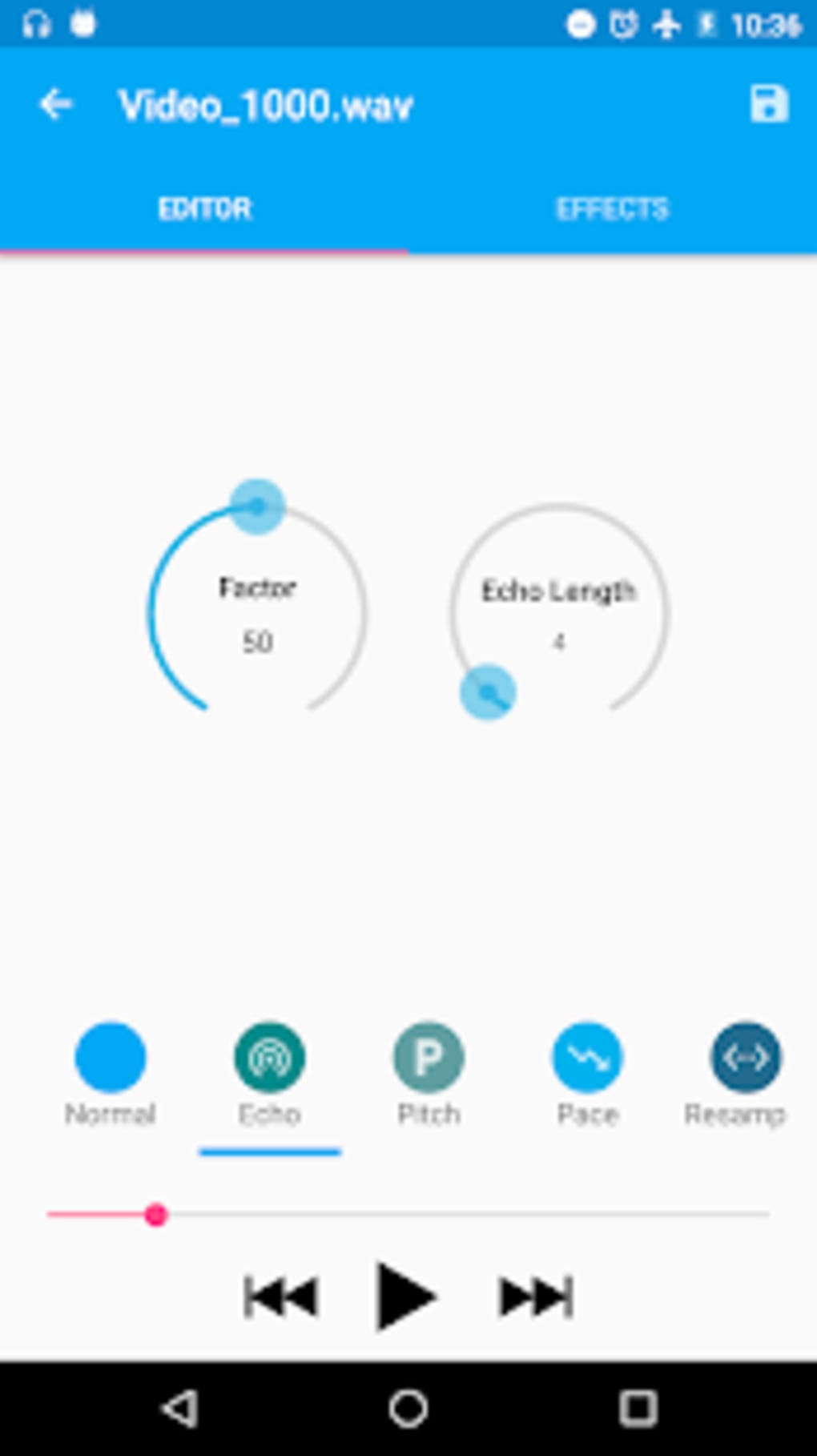
- Audio Editing Tools – Includes trimming, merging, pitch adjustment, and speed modification for refining recorded content.
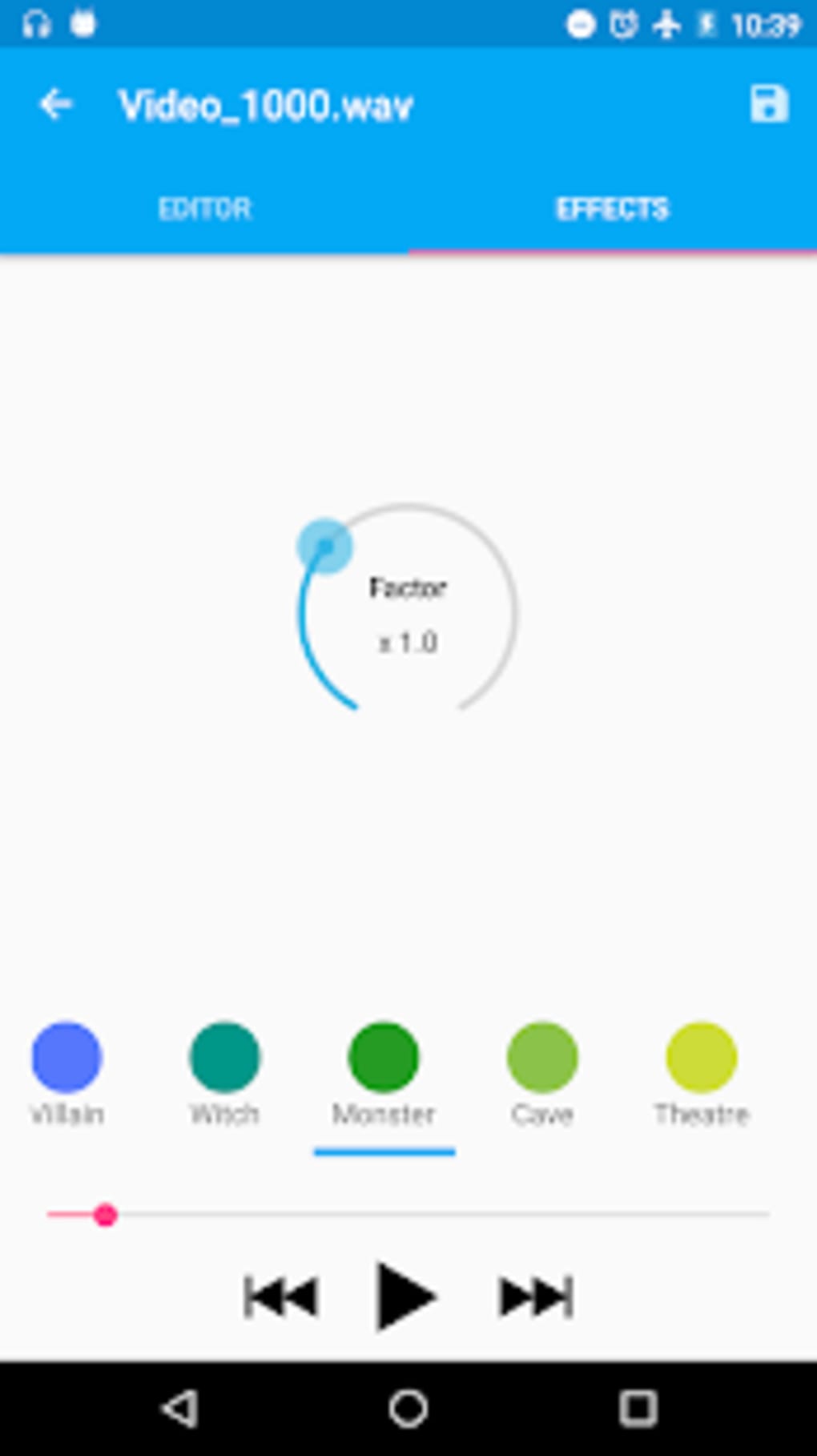
- Sound Effects Integration – Features reverb and other effects to enhance audio character, useful for creative or entertainment purposes.
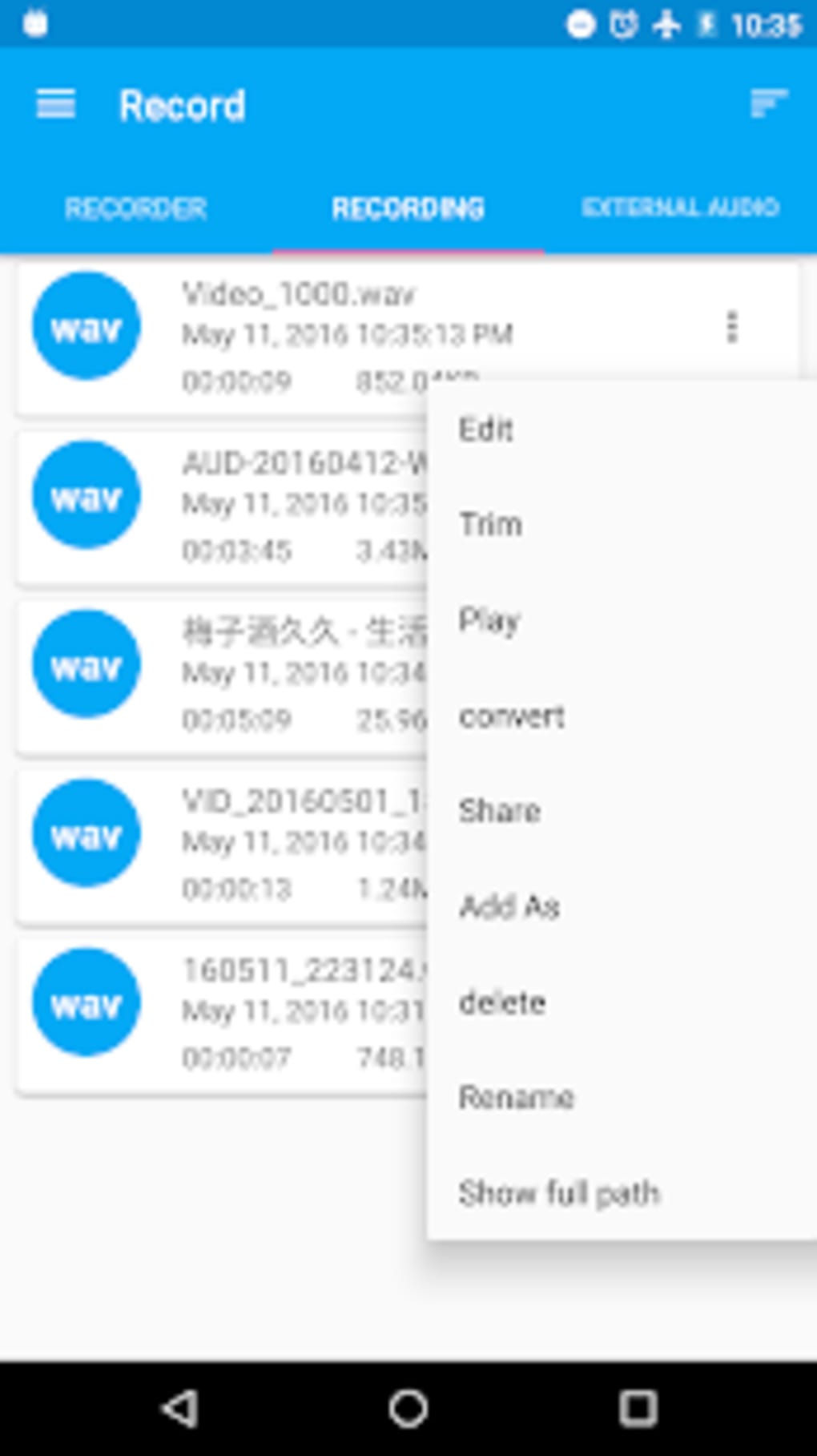
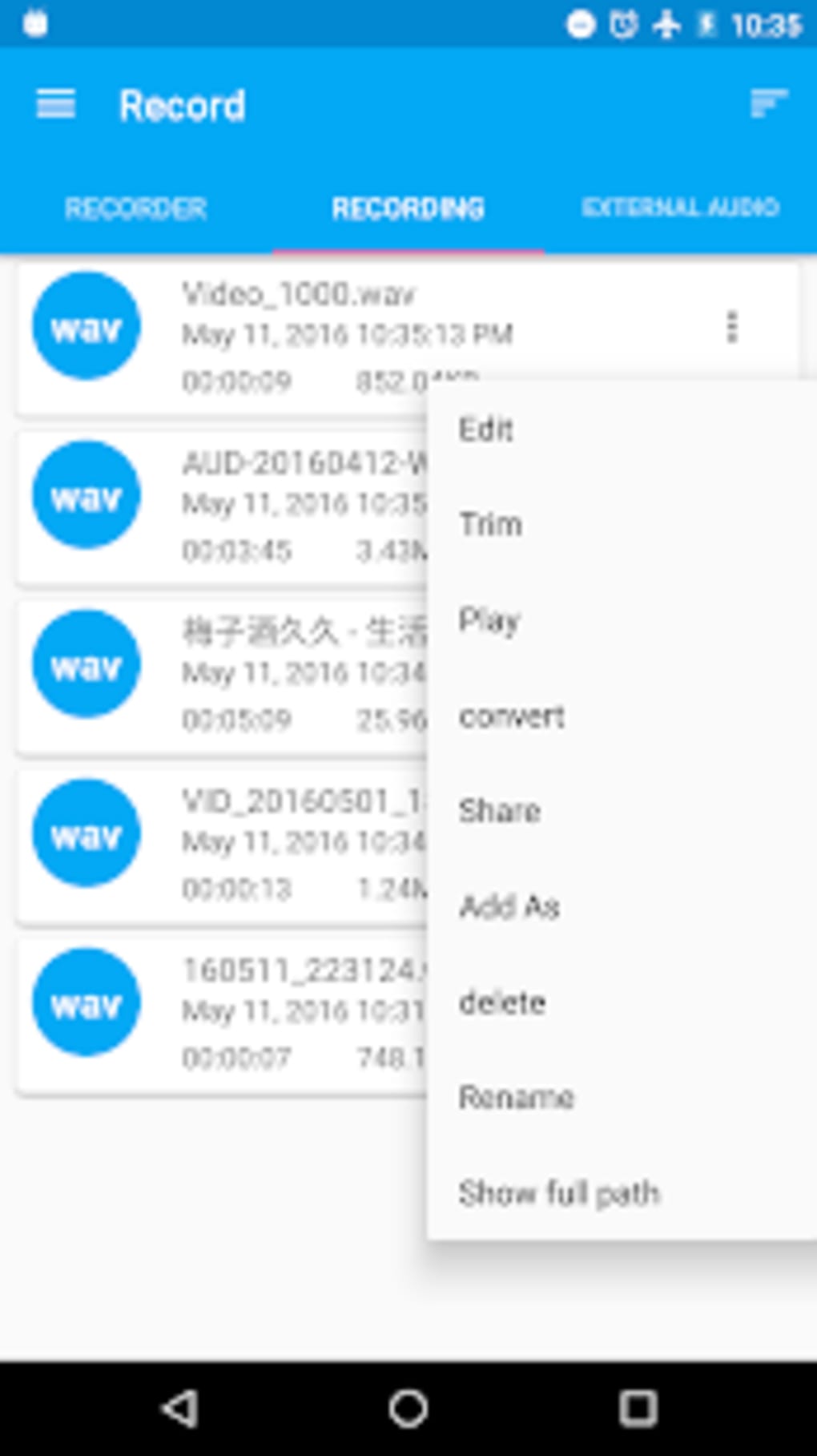
- Format Conversion – Enables conversion between supported formats before saving, increasing flexibility in file sharing and usage.
- Sharing Functionality – Allows direct sharing of recordings via messaging apps and other platforms.
These features support practical workflows such as editing a lecture recording by trimming irrelevant sections, adjusting pitch for voice modulation, or merging multiple segments into one continuous file. The inclusion of reverb adds a creative edge, appealing to users experimenting with sound design or voiceovers.
User Interface, Workflow & Performance
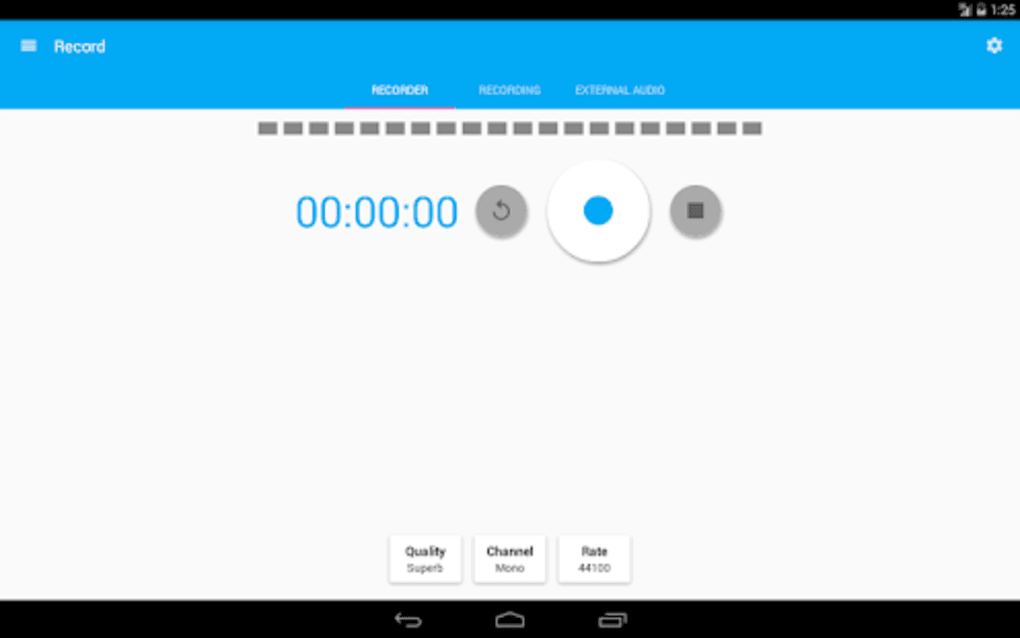
The application features a clean and simple user interface, designed to prioritize ease of access and intuitive navigation. Core functions such as recording, playback, and editing are accessible through clearly labeled controls, minimizing the learning curve for new users. The layout appears optimized for touch interaction, with buttons and menus positioned for convenient access during use.
Workflow efficiency is enhanced by the integration of recording and editing within a single environment, reducing the need to switch between multiple apps. Users can begin recording, pause as needed, and immediately apply edits without leaving the app. This streamlined process supports real-time adjustments and quick content creation.
Performance observations are based on general software behavior patterns. The developer did not specify resource usage details. Stability during extended recording sessions or large file processing was not confirmed. No information was provided about CPU or RAM consumption, so users should monitor performance on their devices during use.
Compatibility & System Requirements
Audio Recorder and Editor is designed for Android operating systems. The current version is 1.0.1, with a file size of 14.3 MB, indicating a lightweight installation suitable for devices with limited storage. The developer did not specify exact system requirements, such as minimum Android version, RAM, or processor specifications.
Compatibility information was partially provided. Users should ensure their device runs a compatible Android version. The app’s small size suggests it is optimized for a wide range of Android devices, including mid-tier and older models. However, exact compatibility details were not listed.
Pros and Cons
Pros
- Free to download and use with no in-app purchases
- Combines recording and editing in one lightweight application
- Supports multiple audio formats for flexible output
- Intuitive interface suitable for beginners and casual users
- Offers useful editing tools like trimming, merging, and volume control
- Includes creative features such as reverb and pitch/speed adjustment
- Direct sharing via messaging apps for easy distribution
Cons
- Missing 'Keep Screen On' option during recording
- No preview function to hear edits before saving
- Exact system requirements not disclosed
- Performance under heavy load or long sessions not verified
- Limited information on background processing or battery usage
FAQ Section
Is Audio Recorder and Editor available for iOS devices?
The app is currently designed for Android only. There is no information indicating iOS compatibility.
Can I use this app without an internet connection?
Yes, the application functions fully offline. No internet connection is required for recording, editing, or saving audio files.
Does the app support background recording?
Information regarding background recording capabilities was not provided. Users should test functionality on their device.
What file formats are supported?
Supported formats include WAV, PCM, AAC, and M4A. These formats offer a balance between quality and file size.
Is the app safe to download and use?
As a free application from a known developer (rierie501), it is considered secure for download. However, users should only install from trusted sources to ensure safety.
Final Thoughts + CTA
Audio Recorder and Editor delivers a capable, no-frills solution for mobile audio recording and editing. Its clean interface, multi-format support, and built-in editing tools make it a solid choice for users seeking more than basic recording features. While it lacks advanced options like screen-locking during recording or a preview function, its simplicity and functionality outweigh these minor limitations for many users.
It is particularly well-suited for students, podcasters, and casual creators who value ease of use and on-the-go audio management. The free pricing model further enhances its appeal, offering robust tools without cost.
Download Audio Recorder and Editor now to experience a lightweight, feature-rich audio tool tailored for Android users.
Guides & Tutorials for Audio Recorder and Editor APK
How to install Audio Recorder and Editor APK
- Click the Preview / Download button above.
- Once redirected, accept the terms and click Install.
- Wait for the Audio Recorder and Editor APK download to finish on your device.
How to use Audio Recorder and Editor APK
This software is primarily used for its core features described above. Open the app after installation to explore its capabilities.
User Reviews for Audio Recorder and Editor APK 0
No reviews found





